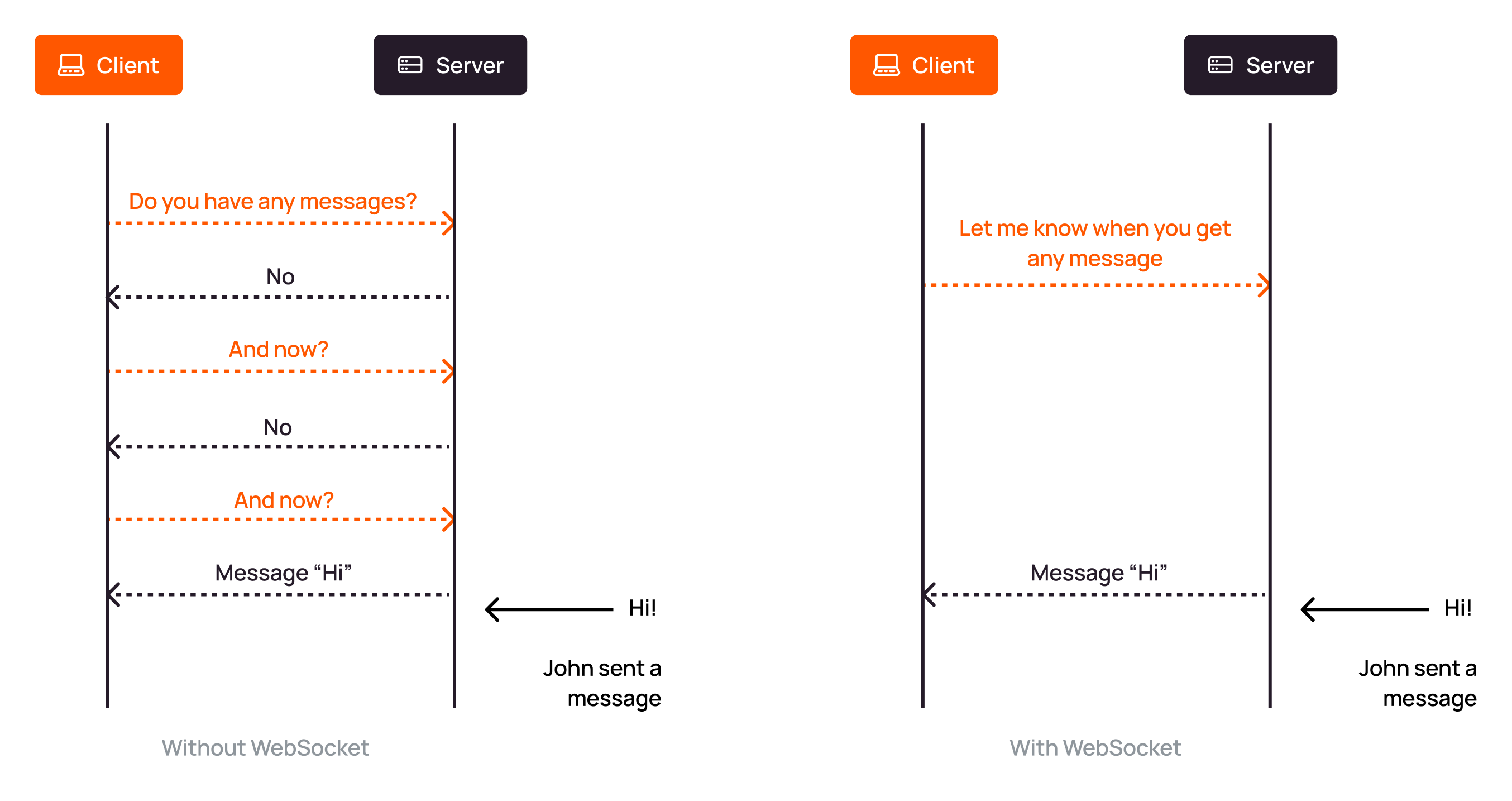
Some applications need the server to send updates immediately without waiting for the browser or application to make another request. Chat, live dashboards, notifications, and collaborative tools use WebSockets for this.
A WebSocket keeps one two-way connection open between the application and the server, so either side can send data at any time. Ordinary HTTP uses a request-response model.
With Orange's CDN, browsers and applications connect to the CDN resource hostname, and the CDN proxies that WebSocket connection to the origin that runs the WebSocket server.
Connection path
The WebSocket server stays on the origin. An end-user application opens wss:// on the CDN resource hostname and keeps the path the origin already serves, /socket. The origin group points at the host and port that accept this traffic.
The opening request carries an Upgrade header, so the CDN passes that request through and proxies each WebSocket connection as its own connection to the origin. Either side can then send data without opening a new HTTP request. Page loads and ordinary API calls continue as request-response exchanges.
Default setting
For a resource created with DNS delegation, WebSocket proxying is on by default. A CNAME resource leaves the option off, and the opening request cannot complete until the option is turned on. Create either resource from the CDN resource guide.
WebSocket option
Turn the option on for a CNAME resource, or turn it off when the resource should serve only ordinary HTTP.
1
Open the resource
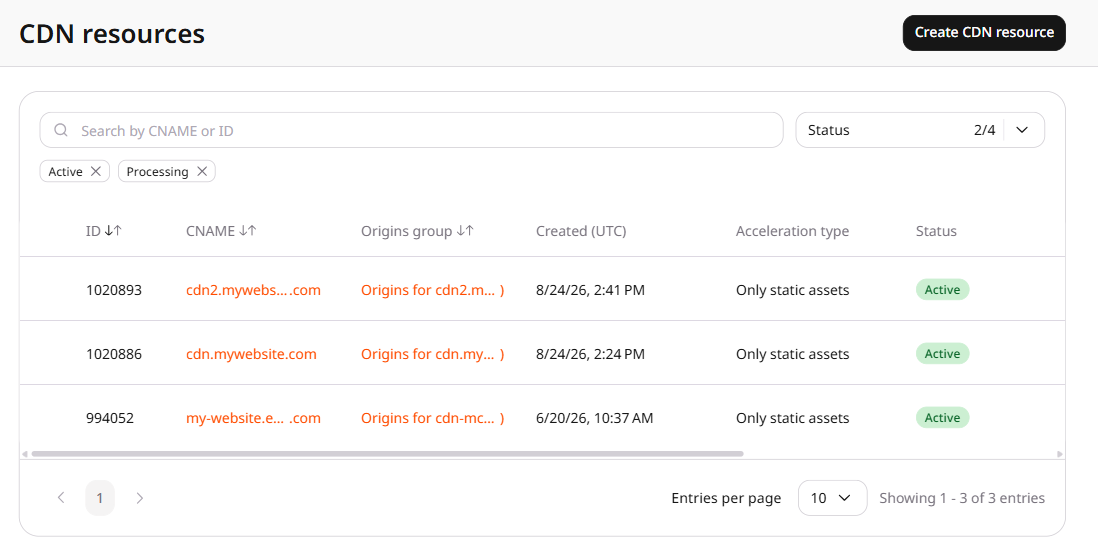
In the CDB Customer Portal, navigate to CDN and click the custom domain of the target resource.
2
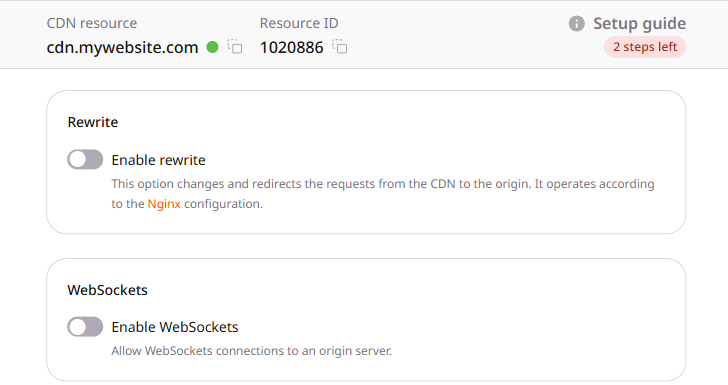
Set WebSockets
In the Content section, find WebSockets and enable or disable the toggle.
3
Save changes
Click Save changes.
End-user hostname
Point the browser or application at the CDN resource hostname. Keep the path and query string the origin already expects, and leave the origin hostname in the origin group:
wss://cdn.example.com/socket
A socket opened on the origin hostname never reaches the CDN.
Accepted connection
When the origin accepts the Upgrade request, the end-user application receives 101 Switching Protocols and the connection stays open. Further data from the application arrives on that same origin connection as WebSocket frames.
WAAP (Web Application and API Protection) applies blocking policies to that opening request. It rejects a matching Upgrade request with 403 Forbidden, so the connection is not established. A frame sent after 101 Switching Protocols still reaches the origin.
A WebSocket connection closes when no data is received from the origin within the resource read timeout, which defaults to 30 seconds. Send a ping frame more often than that timeout, and treat a missing pong as a closed connection.
Allow WebSocket connections from the CDN resource hostname through to an origin that already runs a WebSocket server. Applications connect with wss:// and the path expected by the origin, and each connection is proxied as a separate connection to the origin. The origin accepts the opening request with 101 Switching Protocols.
A connection closes when no data is received from the origin within the resource read timeout.
Send options.websockets with enabled and value. Both fields are required. Set both to true to allow WebSocket connections to the origin. Set both to false to turn the option off. A request that omits either field returns HTTP 400. Sending null removes options.websockets.
Proxy WebSocket connections to the origin with the Terraform provider v2. With websockets enabled, an application opens wss:// on the CDN resource hostname, and CDN servers proxy that connection to the origin. The origin accepts the opening request with 101 Switching Protocols. A connection closes when no data is received from the origin within the resource read timeout. Run terraform apply after editing options.
WebSockets
Set websocketsenabled to true and value to true. A resource created without this block leaves WebSocket proxying unset. Set both fields to false to stop WebSocket proxying. The saved option then stays enabledfalse and valuefalse.