Build and deploy a CDB EdgeCompute CDN application
CDB EdgeCompute CDN applications run inside a CDN resource's request pipeline and can inspect or modify requests and responses as they pass through the CDN.
Complete the Rust (CDN / Proxy-Wasm) setup before proceeding. Once deployed, attach the application to a CDN resource to process live traffic — that step is in CDN applications.
Write a handler
A CDN application consists of two parts: a root context that registers the filter factory, and a filter that implements the callbacks. Replace src/lib.rs with:
use proxy_wasm::traits::*;
use proxy_wasm::types::*;

proxy_wasm::main! {{
    proxy_wasm::set_log_level(LogLevel::Info);
    proxy_wasm::set_root_context(|_| -> Box<dyn RootContext> {
        Box::new(Root)
    });
}}

struct Root;
impl Context for Root {}
impl RootContext for Root {
    fn create_http_context(&self, _: u32) -> Option<Box<dyn HttpContext>> {
        Some(Box::new(Filter))
    }
    fn get_type(&self) -> Option<ContextType> {
        Some(ContextType::HttpContext)
    }
}

struct Filter;
impl Context for Filter {}
impl HttpContext for Filter {
    fn on_http_request_headers(&mut self, _: usize, _: bool) -> Action {
        self.add_http_request_header("x-edgecompute", "cdn");
        Action::Continue
    }
}
Root registers a new Filter for each incoming request via create_http_context. on_http_request_headers runs when the CDN receives request headers — this example adds a custom x-edgecompute header and returns Action::Continue to pass the request downstream unchanged. To stop the request instead, return Action::Pause.
Build
Compile the handler to a WebAssembly binary. The first build downloads dependencies and takes one to two minutes.
cargo build --release --target wasm32-wasip1
The binary is at ./target/wasm32-wasip1/release/my_cdn_app.wasm. This file is uploaded to CDB EdgeCompute in the next step.
Deploy
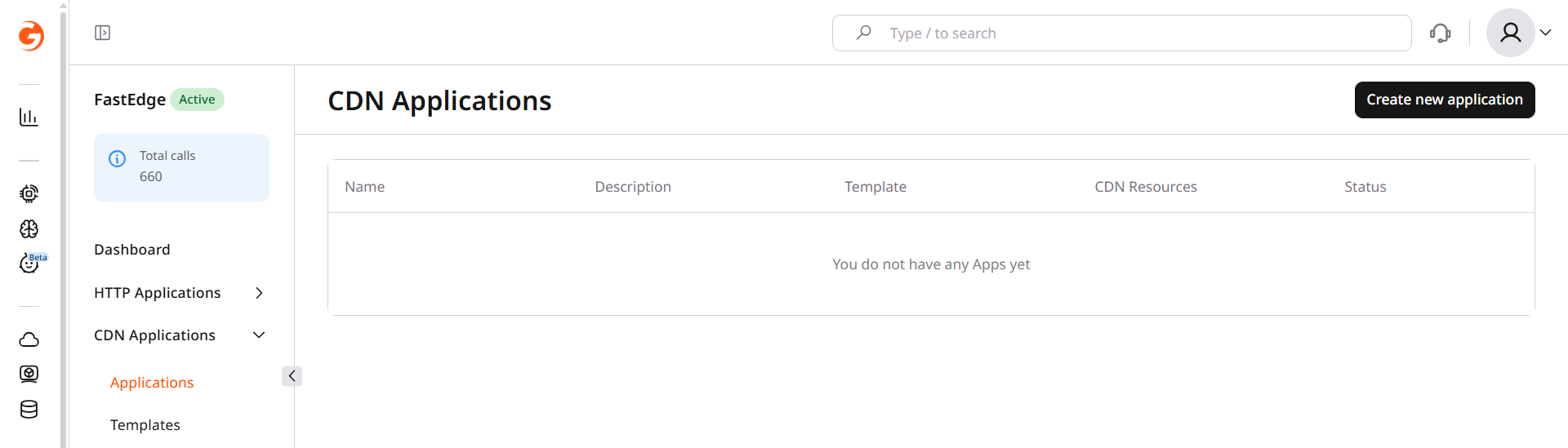
- In the CDB Technical Web Portal, navigate to CDB EdgeCompute > CDN Applications and click Create new application.
- Click the Upload binary card.
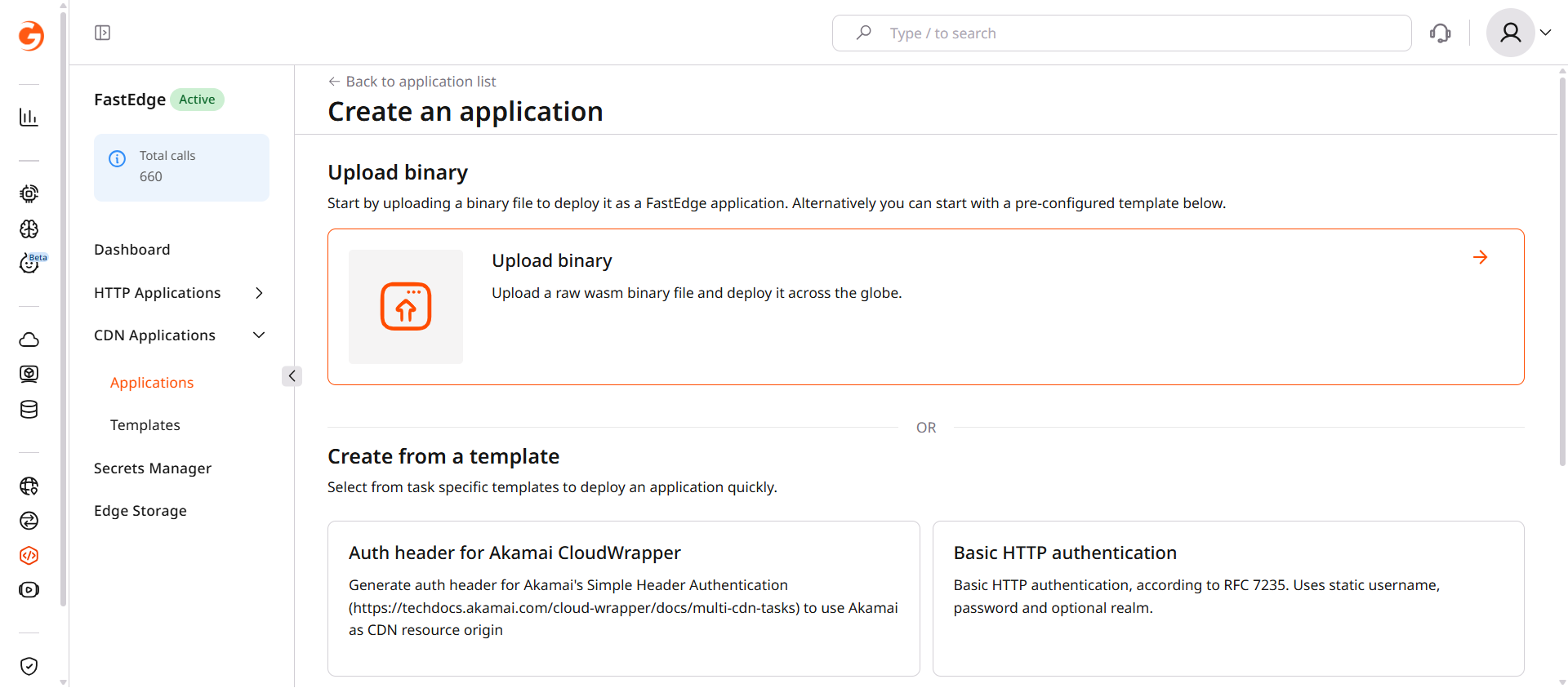
- Select the
.wasmfile produced in the Build step. - Enter a Name for the application.
- Click Save and deploy.
The application is now available in the CDN Applications list. To activate it, attach it to a CDN resource — the full walkthrough is in CDN applications.